Solutions · Opera SE integration
The Pegasus Opera SE Data Connector gives you fast, secure and direct access to your data straight from Opera SE, integrating it with business tools such as Microsoft Power BI, Excel and SharePoint so you can get even more insight into your business.
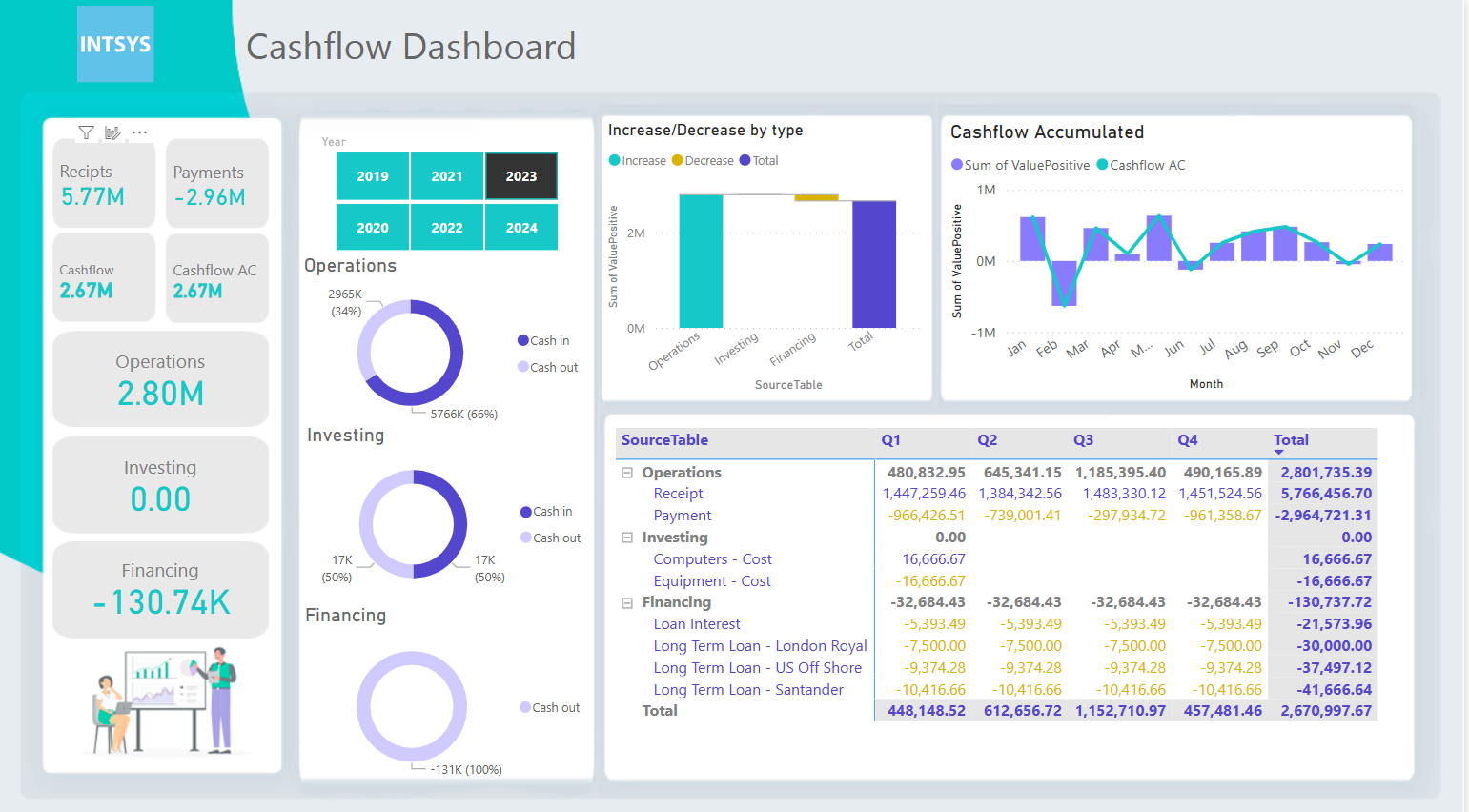
The Opera SE Data Connector uses fast, modern technology to expose your Opera SE data to the business tools your team relies on every day.
Flexible querying based on OData accesses and extracts information from Opera SE in an efficient and effective manner, presenting an understandable data dictionary with pre-defined links to make it extremely user friendly.
Extract data directly into Microsoft Excel or build Power BI dashboards and business-critical alerts, and connect the same data into Microsoft SharePoint.
Connect your Opera SE data and create mobile apps with Microsoft Power Apps, giving you access to your business information from anywhere.
Once the Data Connector is implemented, leverage the latest AI tools to analyse your Opera SE data for enhanced decision-making, including alerts when thresholds such as credit limits or stock values are exceeded.
Simple, secure data extraction means all data held within Opera SE — including any data held in added bespoke development — can be analysed and reported on.
The Opera SE Data Connector uses fast and modern technology to access data with flexible querying based on OData, extracting information in an efficient and effective manner while presenting an understandable dictionary with pre-defined links to make it extremely user friendly.
The Data Connector is available to Pegasus Opera SE customers running the SQL Server edition. If you are still running Opera 3, discounted upgrade paths to Opera 3 SQL SE are available — contact us for a quote.
Opera 3 SE →Discover OperaAI · FinanceHub
Start with live dashboards across your Opera ledgers. Make them your own with a library of predefined graphs, or ask AI to create a graph in plain English.
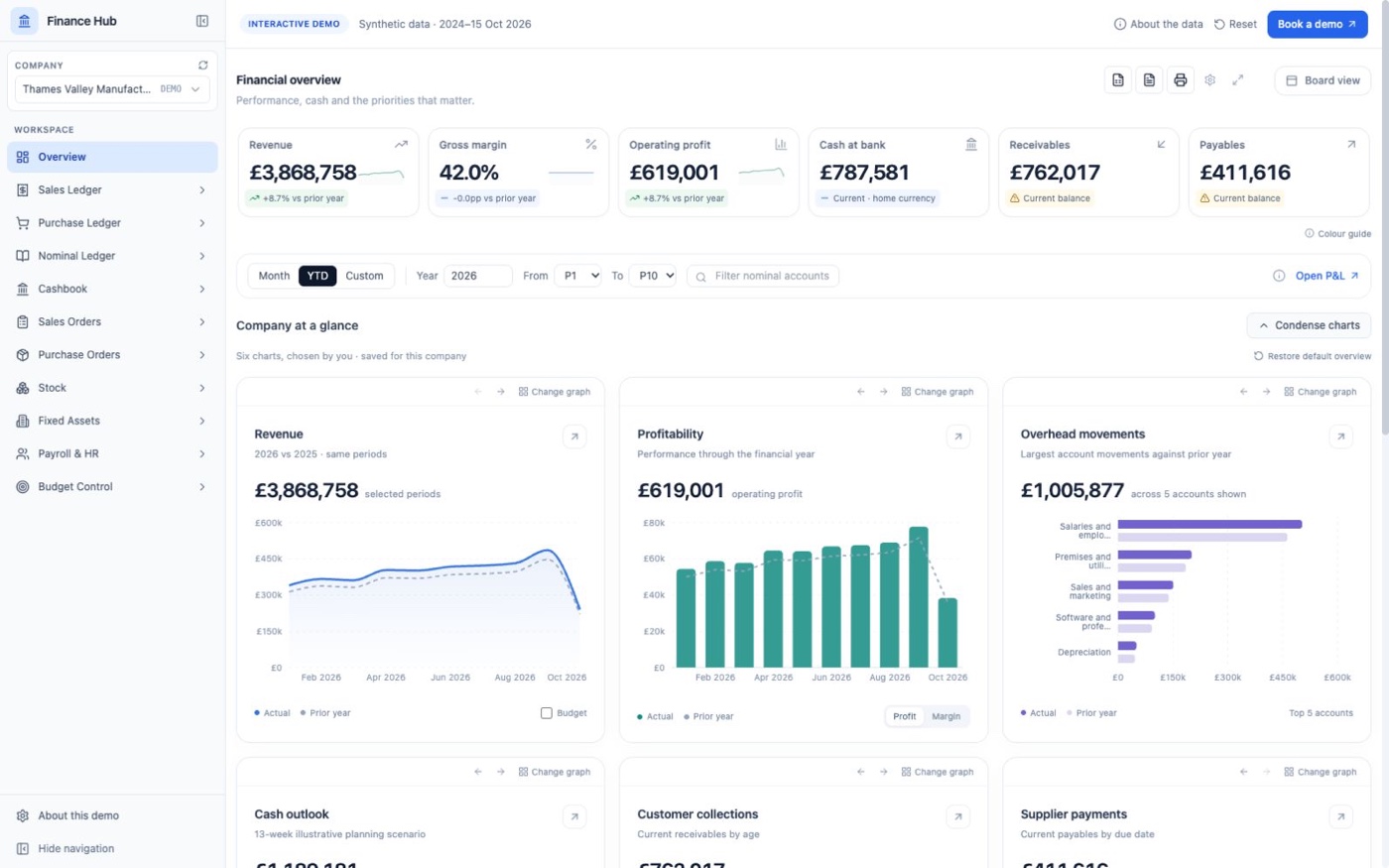
Executive overview dashboardProduct screenshots · demonstration company data
Whether you want deeper Excel and Power BI reporting, mobile access with Power Apps, or AI-driven alerts on your Opera SE data, we can help you get set up.