Support & Services · Remote support
With your permission, our Support team can connect directly to your PC through a browser using Splashtop — offering immediate guidance and reducing downtime. Remote Support is available via our Helpdesk to customers who have included this option in their Support Agreement.
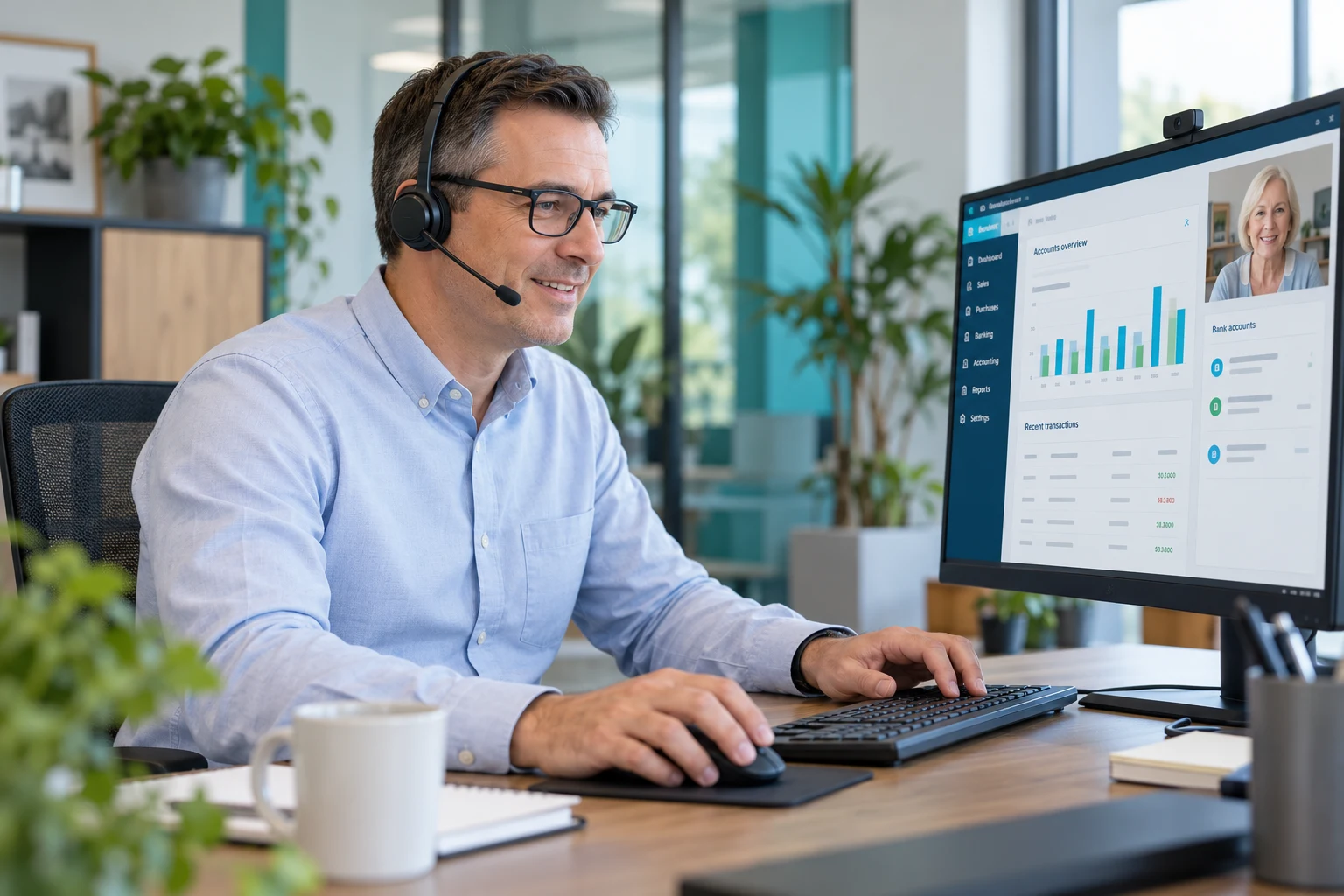
Our Helpdesk offers Remote Support via Splashtop to customers who have included the option in their Support Agreement, connecting straight to your screen for guided, secure troubleshooting.
When a member of our support team asks you to, click through to start a Remote Support session — no need to be at a support desk in person, just your browser.
Start a Remote Support session →Splashtop uses end-to-end AES (256-bit) encryption, the same security level trusted by major banking institutions, built on RSA public/private key exchange to the same standard as HTTPS/SSL — and every program file is secured with VeriSign code signing so you can verify its origin.
A session ID changes every time the software starts, and file transfers need your manual confirmation, so a session can't run invisibly — you'll always know when someone is accessing your machine.
Remote Support via Splashtop sits alongside the rest of our Pegasus support service, for customers who have added it to their Support Agreement.
Pegasus support →Talk the issue through with our Helpdesk. When a remote session is needed, we guide you through connecting so we can work on the problem together.

Log a support call and, if Remote Support is included in your Support Agreement, a member of our team can connect directly to your screen to help.