
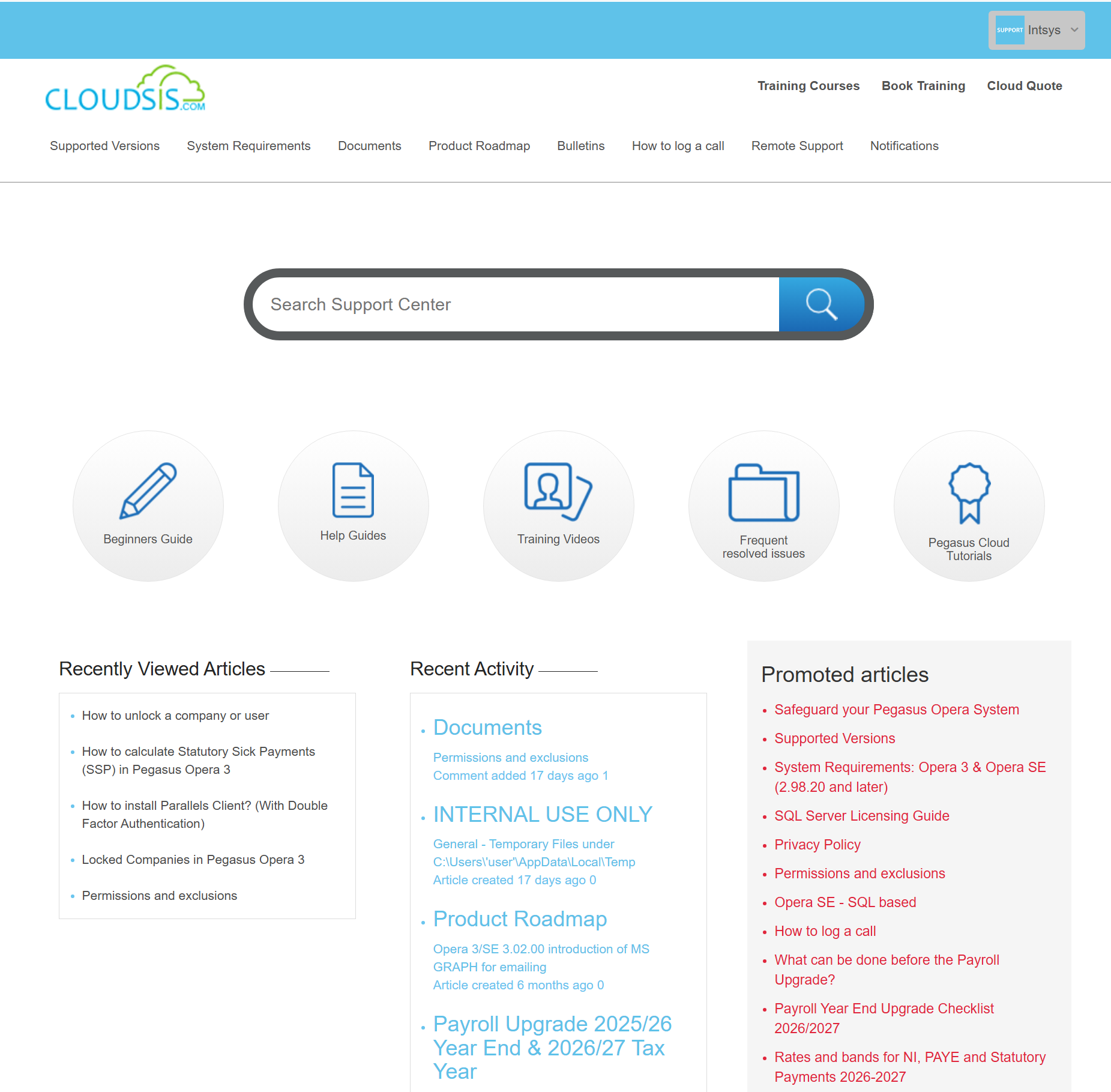
One record for your support conversations
Intsys introduced an integrated multiplatform ticketing system to connect support by phone, email, portal and chat. Its purpose was to give support clients quick, easy access to the team and keep related communications together.
The original announcement explained that Intsys had resolved more than 1,000 issues and created 450 help articles in 2017. This accumulated knowledge helped inform a shared resource for clients and the support team.
Benefits of the support portal
Efficient incident tracking
The system created a support incident automatically and tracked associated communications. A unique ticket number connected updates sent by email with the record visible in the support portal.
Shared knowledge, available around the clock
Issues and their solutions were retained in an accessible knowledge database. Clients could look for help at any time, while the support team could draw on previous answers when investigating a query.
Time management and reporting
A timeline of issues helped the team prioritise work. Recording incidents also supported reporting and the creation of help guides for subjects that mattered most to clients. Automatic satisfaction surveys provided feedback to improve the service.
Flexible ways to contact the team
Clients could continue using email, phone, portal or chat. The connected system was designed to bring those conversations together in the portal’s Activities area, including a history of pending and resolved issues.
How to submit a support ticket
- Sign in to the Intsys Support Portal.
- Choose Create a ticket and enter a subject.
- Review any related articles suggested by the system.
- If those articles do not resolve the issue, enter your message and submit it to the support team.
The original two-minute tutorial is included on this page. The portal’s appearance and controls may have changed since the recording.
Find previous queries and answers
The Activities search tool was designed to help users find an earlier issue, document or report. Having both the incident history and knowledge database available supported clients working different hours or looking for self-help before contacting the team.
For a quick question, the original service offered support chat or email, with a ticket logged when further investigation was needed. Clients could then follow the status of their query through the portal.
Contact Intsys support
Existing support clients can open the Support Portal, email support@intsysuk.com, or call 020 8605 9700, option 1.
For current service details, visit Pegasus Opera 3 support. You can also log a free support ticket to discuss an issue with us.
Back to top