
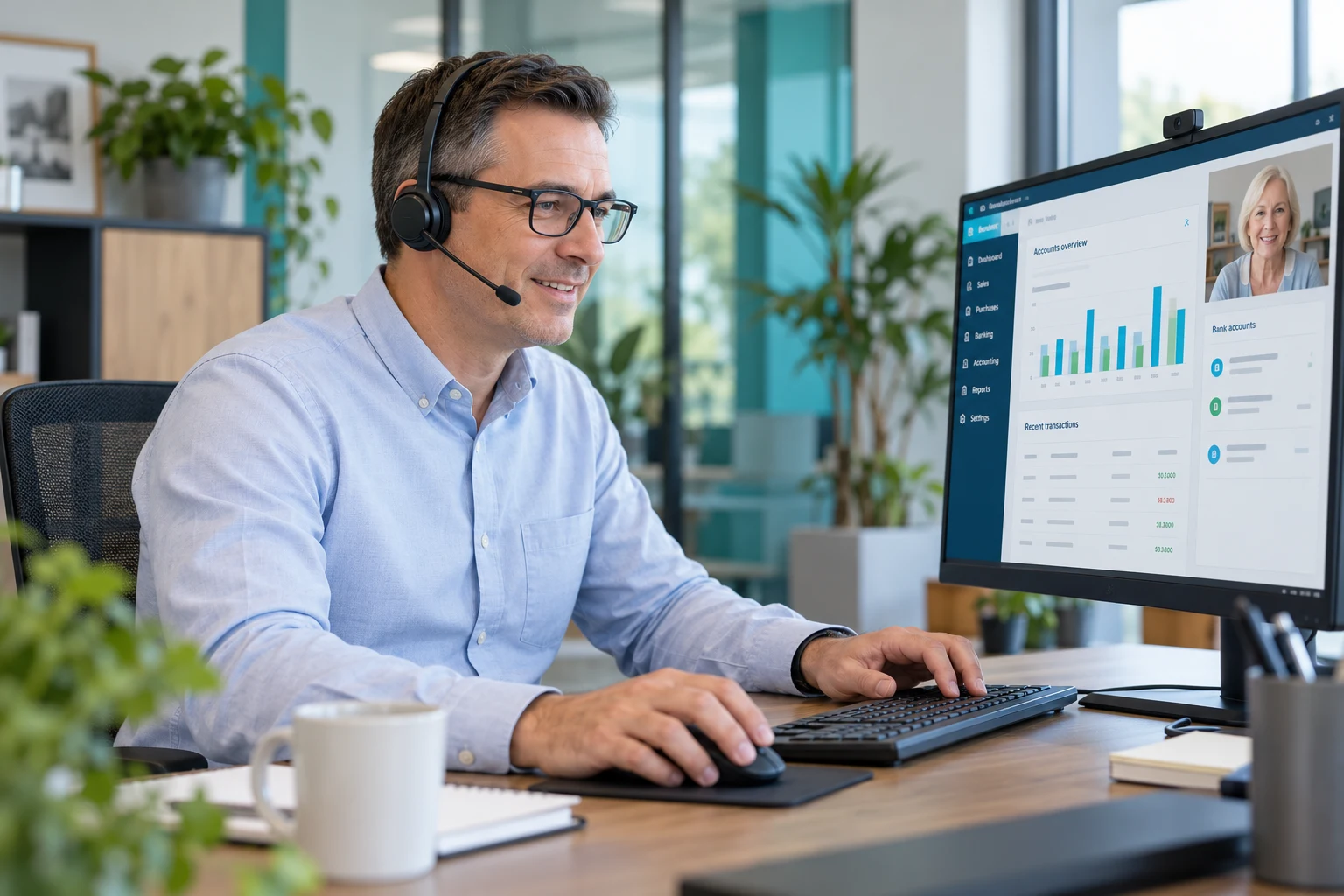
A familiar working environment, wherever you are
Working from home can give employees greater flexibility and help employers support teams across different locations. The practical question is how to give people access to the software, information and support they need to do their jobs.
This guide originally introduced remote working through a hosted business environment. Its older, unattributed survey percentages and office cost estimates have been removed rather than presented as current evidence. The benefits of a particular arrangement depend on the people, roles and systems involved.
What do you need to work from home?
A reliable internet connection
Remote access depends on a stable internet connection. Assess the capacity needed for your number of users, business applications, video calls and telephony together. The original guide’s 3–5 Mbps example was a historical illustration, rather than a universal specification for a remote workplace.
A suitable laptop or desktop
The original service described access from Windows PCs and Macs. Confirm supported devices, remote access software and peripheral requirements before migrating, especially for printing, scanning or other equipment connected to your business applications.
A cloud environment configured for your business
The aim is to give staff a familiar working environment with access to their applications and data. The original Intsys service also described incorporating telephony so that teams could work away from the office. Application and telephony requirements should be reviewed as part of the project.
Pegasus software in a hosted environment
The original guide described a preconfigured cloud platform delivered with cloud specialist Cloudsis for Opera 3 and Opera SE, including their available modules. It also referenced Pegasus XRL, CIS, Operations II and Capital Gold, alongside other applications used by the business.
These product names reflect the systems covered by the original guide. Before moving an existing installation, review its version, integrations, licensing and support status with Intsys. A migration can involve selected applications or a wider replacement of the local working environment.
Explore the Pegasus Business Cloud service for current information.
Build security into remote access
Remote working needs an access and security plan. The original guide highlighted multifactor authentication, backup routines and malware protection as parts of its hosted solution. Review these controls alongside user permissions, supported devices and the way staff connect to the service.
Security arrangements and backup requirements should be confirmed for the proposed environment, rather than assumed from an older service description.
Start with three practical steps
- Discuss your requirements. Identify the people, applications, data, integrations and equipment involved.
- Plan the cloud environment. Agree how the hosted system will reproduce the working environment your team needs.
- Migrate and prepare the team. Move the agreed applications and data, check access and provide the training and support needed for daily work.
Contact Intsys to discuss working from home with your Pegasus system.
Back to top